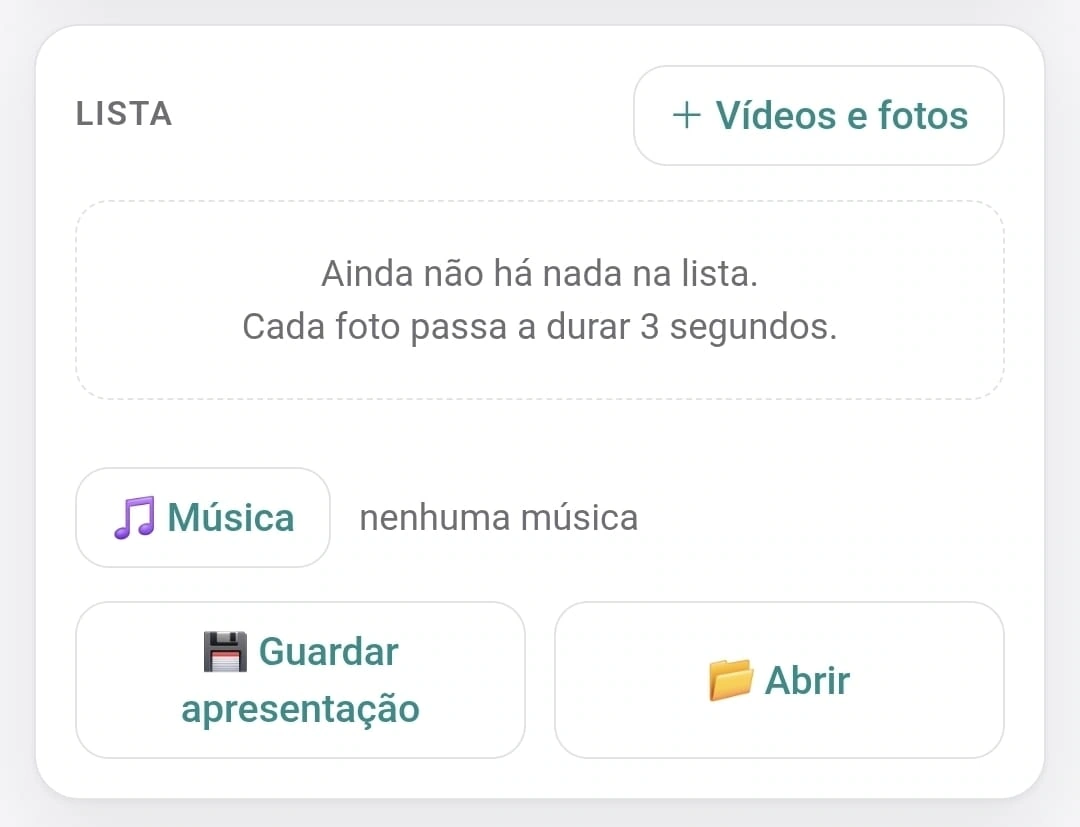
1. Choose
Add videos, photos and your background music. Save the presentation for future use.
Presentations without interruptions
Pause to explain, rewind to reveal a detail or jump to a new chapter. The music keeps playing uninterrupted — and your audience stays focused on you.

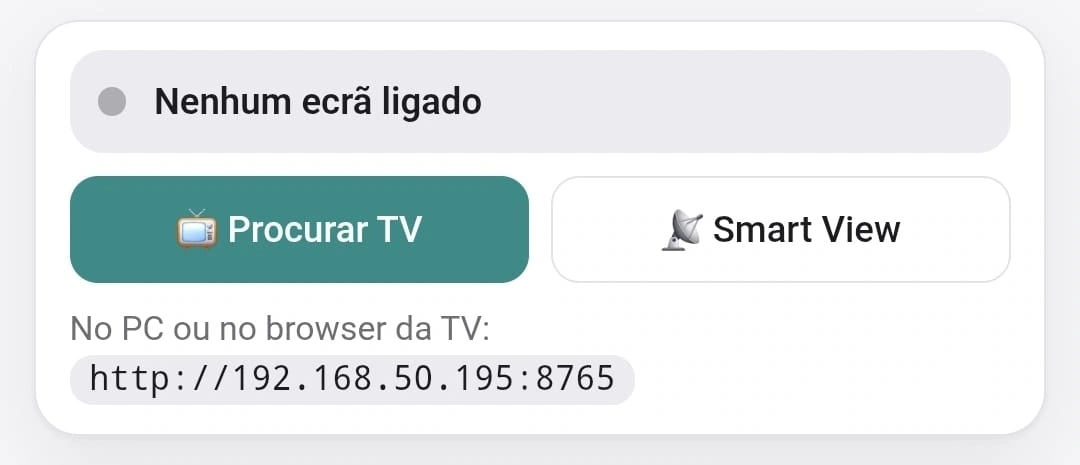
Real FlowPlay screens · Visual examples are fictional and contain no client presentations or data.
The FlowPlay difference
Your explanation should not be locked to the original video edit. Pause at the right moment, revisit a detail or choose another chapter while the same soundtrack carries through.
The music continues instead of unexpected silence.
Replay a detail with a gesture, without hunting for controls.
Switch chapters while the soundscape stays continuous.
Easy to set up
Add videos, photos and your background music. Save the presentation for future use.
Find a compatible screen or open the address shown by the app on the same local network.

Present with your phone in hand. Pause, rewind and change chapters without stopping the music.
Intuitive controls
No need to look down or hit a tiny button. A generous touch surface lets you respond naturally while you speak.
FlowPlay full-screen remote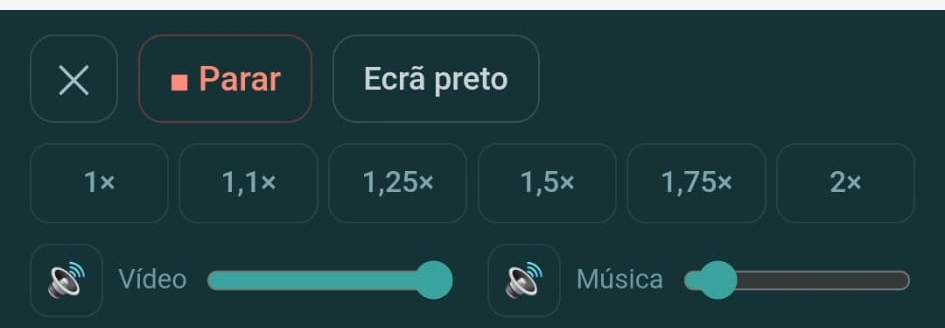
The feature that changes everything
When you pause the footage to speak, the soundtrack keeps the energy of the presentation alive. Rewind, speed up or change chapter: the music stays at its original tempo.
Music continues during pause, rewind or chapter changes.
Interactive simulator
Tap the virtual screen to pause, hold to rewind, double-tap to speed up or swipe to switch chapters. Watch the music keep going.
External screen — demonstration
Music continues during pause, rewind or chapter changes.
FlowPlay full-screen remote1×Try the controls directly on the simulated phone, or use the quick demo buttons.
Interactive remote recreated from the real app layout. Demo without sound or TV connection.
Real-world settings
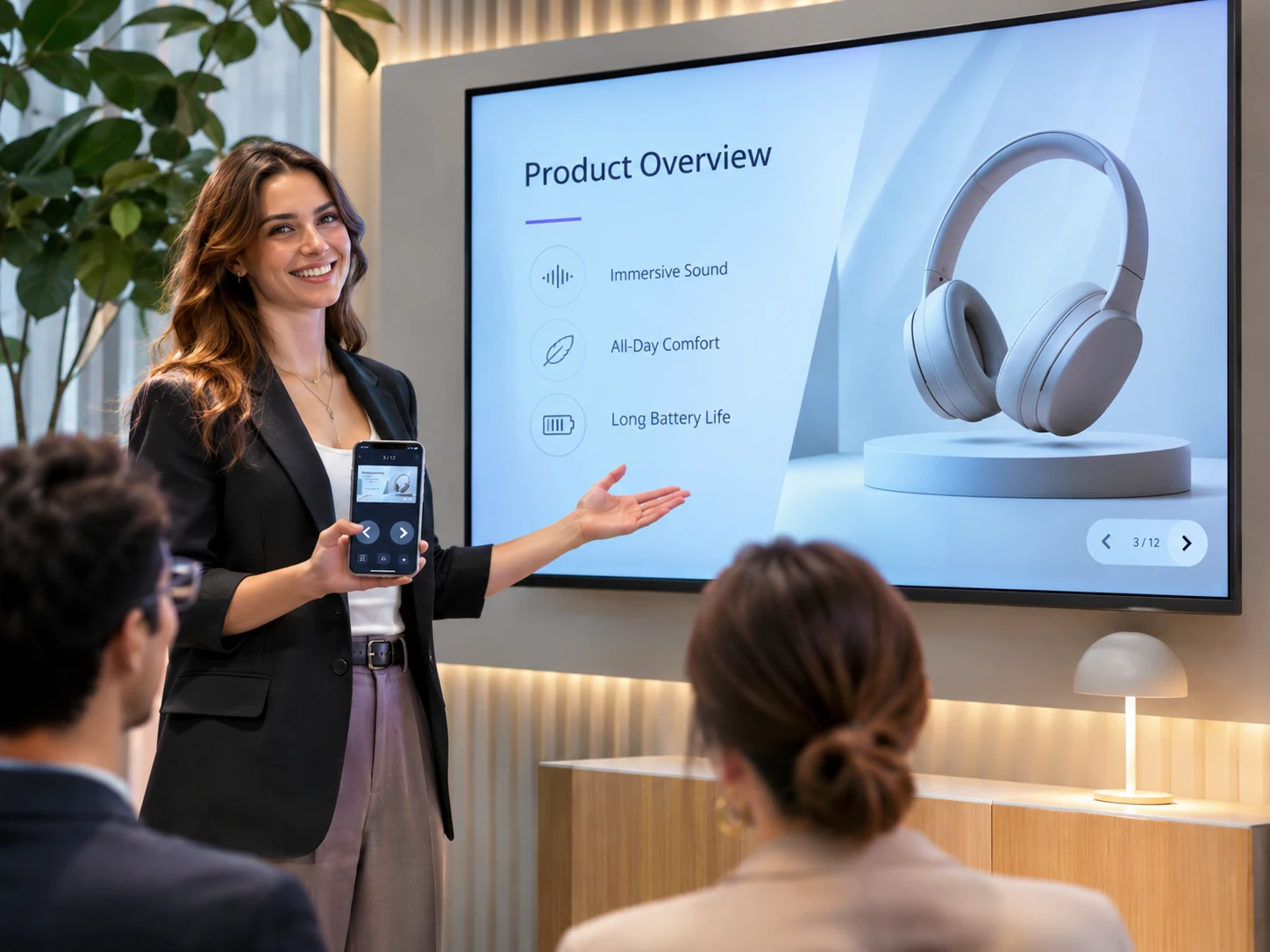
Meetings, classrooms, auditoriums and product launches. The presentation follows the speaker.
Present reports, proposals, demos and results without being locked to the video timeline.

Pause to explain, repeat a passage and keep the room focused without awkward silence.
Show details as questions come up and switch chapters naturally during the conversation.
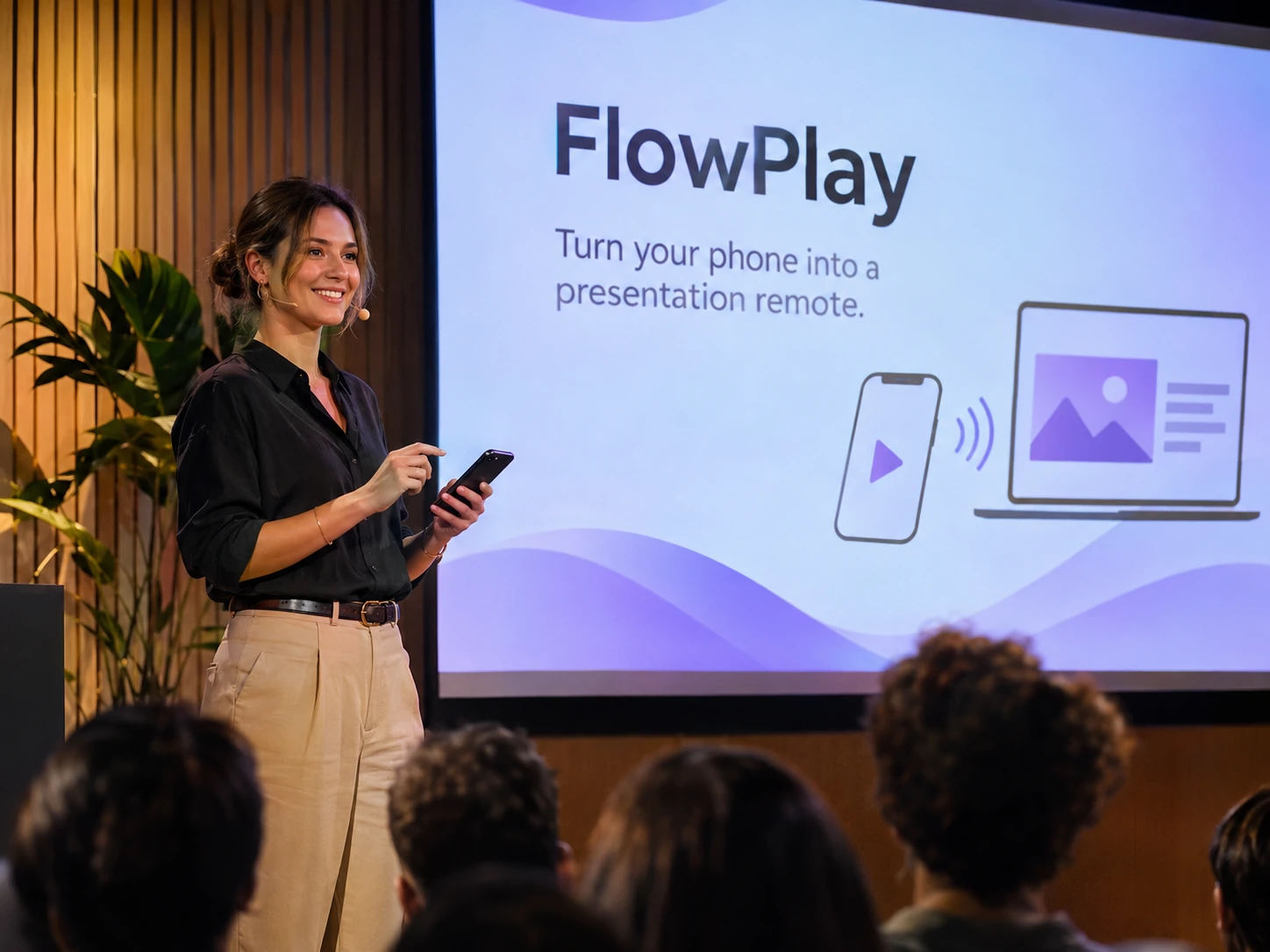
Run talks, launches and stage presentations with continuous background music.
Local connection
Files stay on your device. FlowPlay can present on a compatible TV or screen without requiring cloud uploads.
Phone and receiver on the same network.
Smart View, Miracast or HDMI, depending on the device.
Present through the local address shown by the app.
Android
Free to start. Optional one-time €3.99 payment to remove ads.