Don’t imagine it. Try it.
Try the gestures on a virtual phone and see the soundtrack continue.

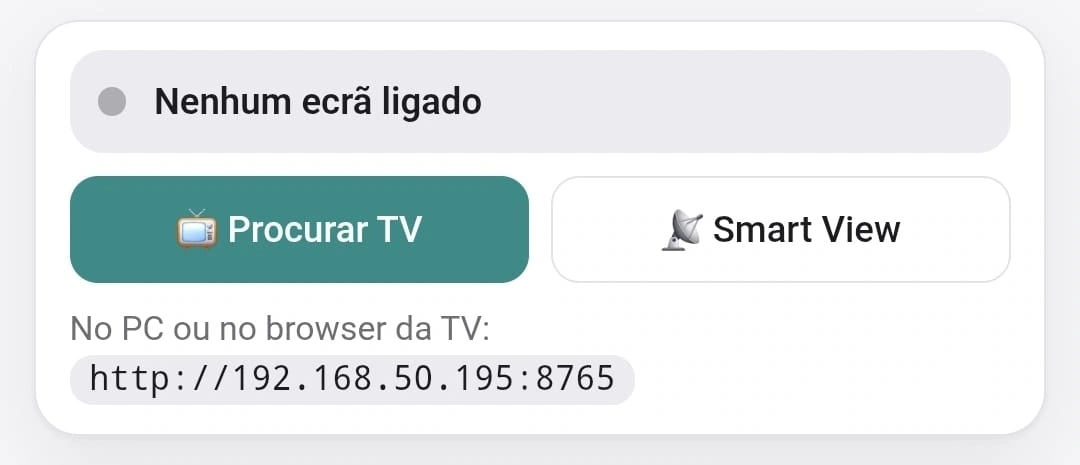
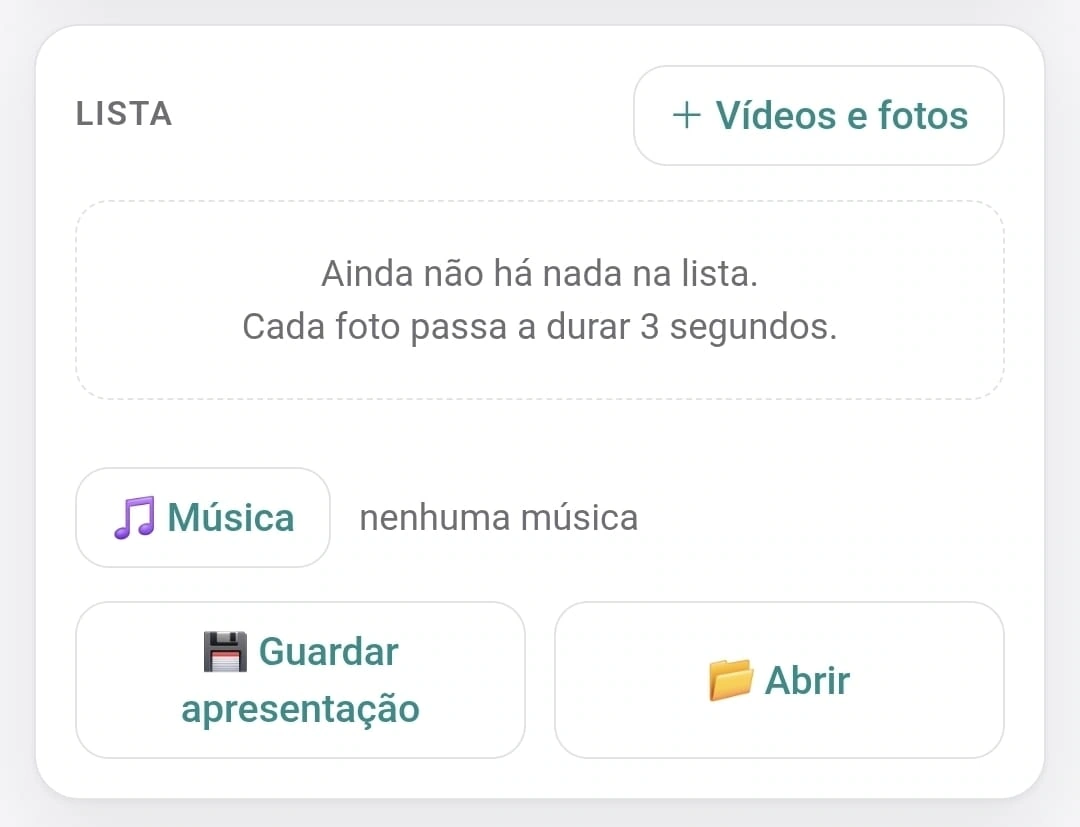
FlowPlayReal FlowPlay screens
Interactive simulator
Almost the entire screen is your remote.
The demo starts automatically so you can immediately see the effect. Then tap the virtual screen to pause, hold to rewind, double-tap to speed up or swipe to switch chapters.
External screen — demonstration
00:02 / 00:40
♫Background music keeps looping
Music continues during pause, rewind or chapter changes.
FlowPlay full-screen remote1×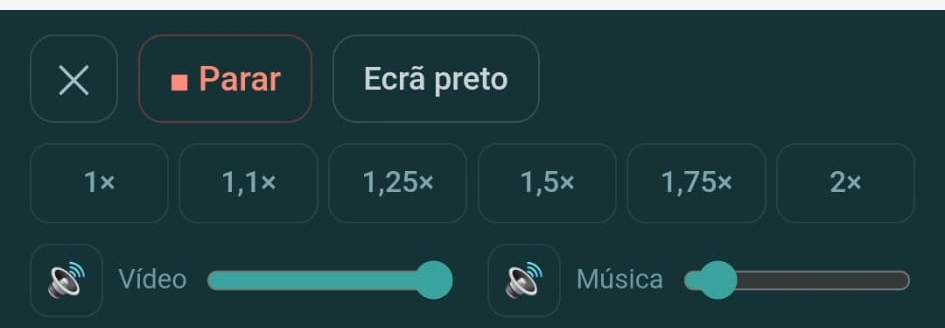
Chapters+ mark here
◎Gesture areaTap: pause / resume · double tap: +5% · hold: rewind · swipe: chapters
Try the controls directly on the simulated phone, or use the quick demo buttons.
Interactive remote recreated from the real app layout. Demo without sound or TV connection.
Single tap
Pause or resume
Double tap
Speed up by 5%
Press and hold
Rewind until released
Swipe
Switch chapters