From your first choice to the big screen.
Prepare a presentation and control it without losing contact with your audience.
Choose your content
Pick videos and photos from Android and arrange the order. Still images can appear as short segments.
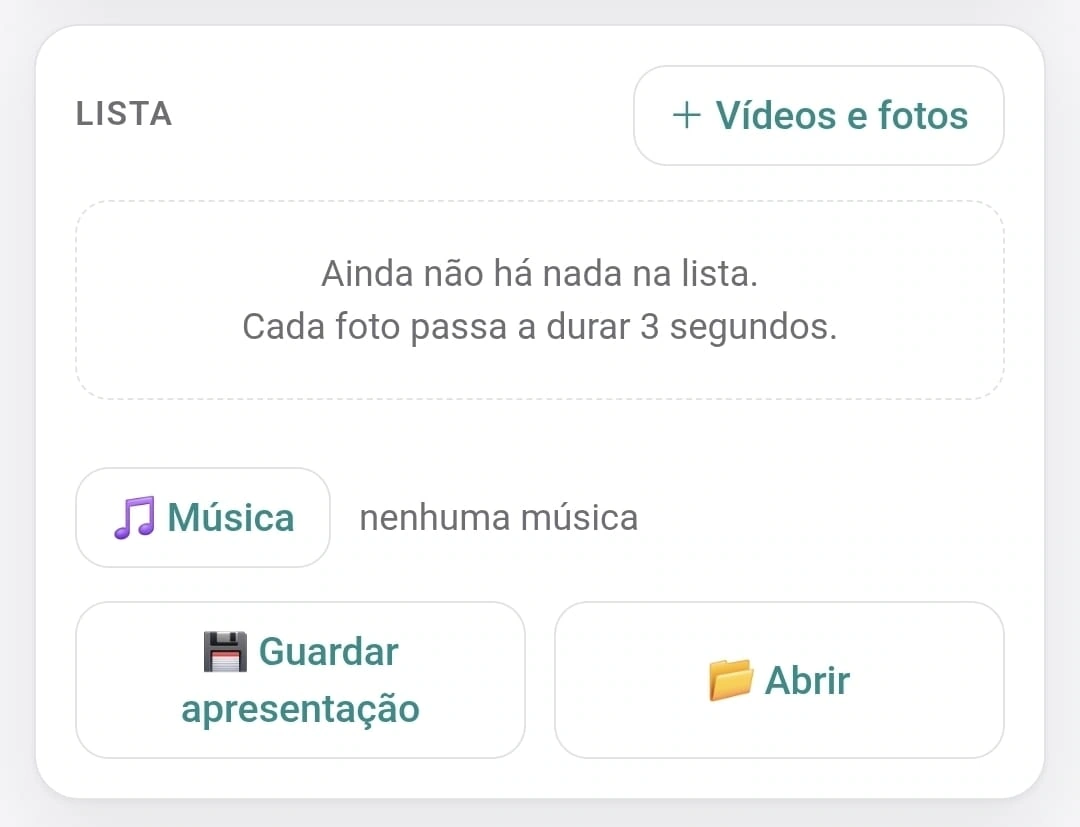
Add music
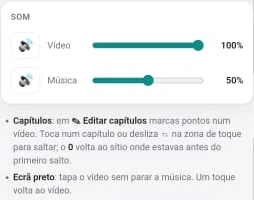
Choose looping background music with independent video and music volume controls.
Connect to a screen
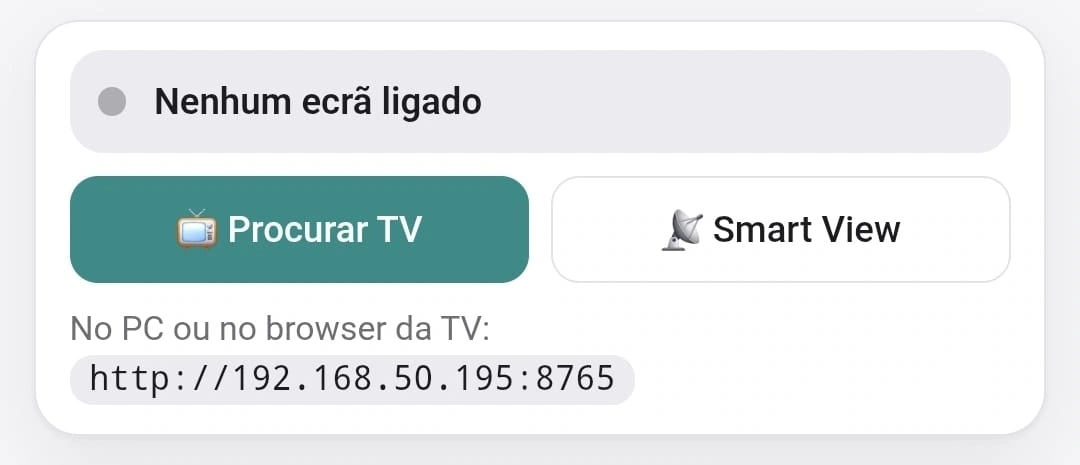
Use the receiver on Android TV / Google TV on the same network, or a supported second screen or local browser.
Android TV / Google TV
Phone and receiver on the same network.
Second display
Smart View, Miracast or HDMI, depending on the device.
PC or TV browser
Present through the local address shown by the app.
Speak and present
Your video fills the larger screen. Phone gestures control playback and adapt the sequence to your explanation.
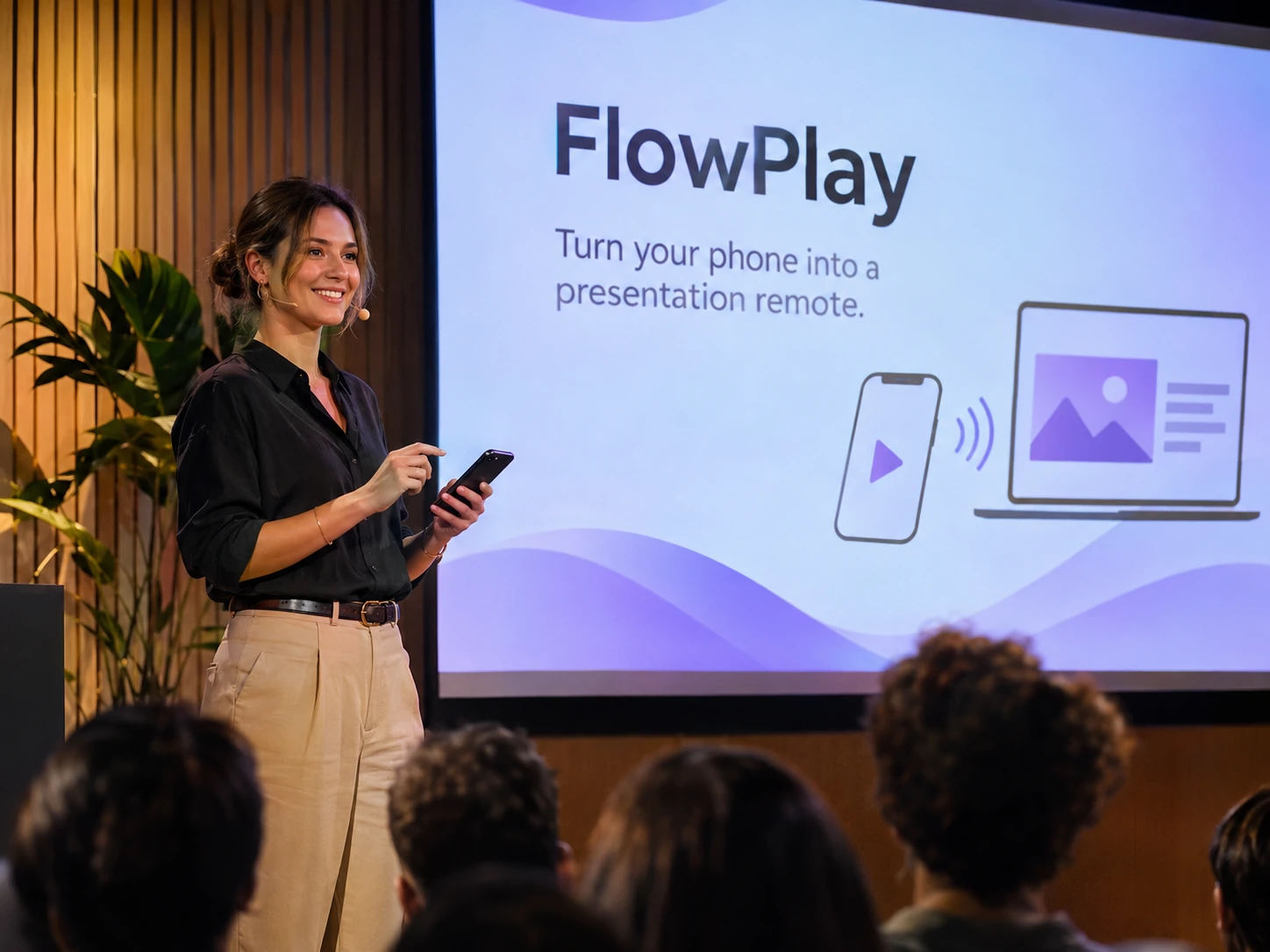
Feel the difference.
Tap the virtual screen to pause, hold to rewind, double-tap to speed up or swipe to switch chapters. Watch the music keep going.